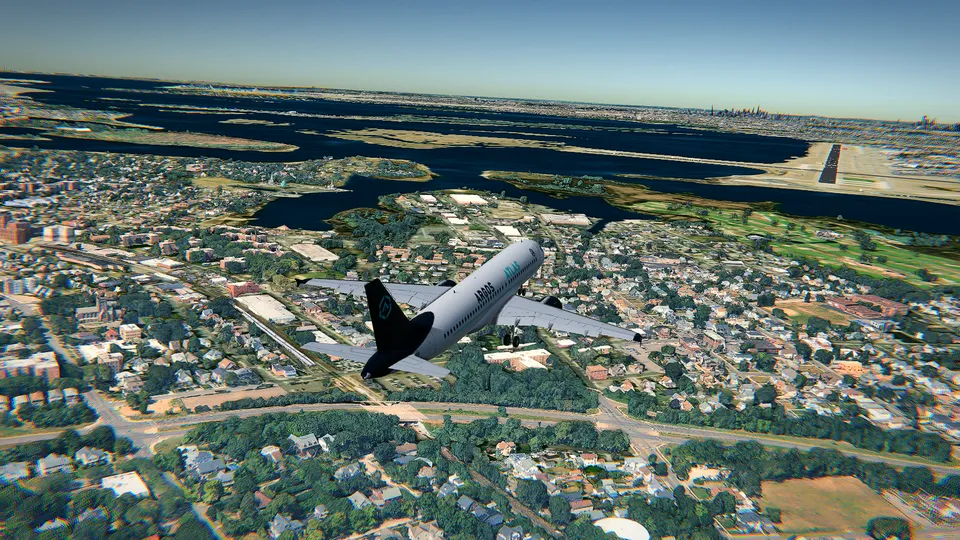
Airbus A380 flight simulator online: how to fly the biggest airliner
What changes when you fly the Airbus A380 in a browser: its size and inertia, the speeds that matter, and an easy first route from the ground to the landing.
Guides to fly better in Open Flight World, and the real aviation behind them.
What changes when you fly the Airbus A380 in a browser: its size and inertia, the speeds that matter, and an easy first route from the ground to the landing.
How to practise crosswind landings in a flight simulator: the crab, the wing-low sideslip and the de-crab in the flare, with the real wind of the day.
A beginner's guide to the PFD: attitude, speed tape, altitude, vertical speed, heading and the mode strip, in the order a pilot actually looks at them.
You can fly on a Chromebook: what runs in a browser tab, which graphics setting to pick and how to get a smooth picture with nothing to install.
What heading, altitude and speed holds really do, how to let Open Flight World's autopilot fly the approach and land, and how to copy it with your own hands.
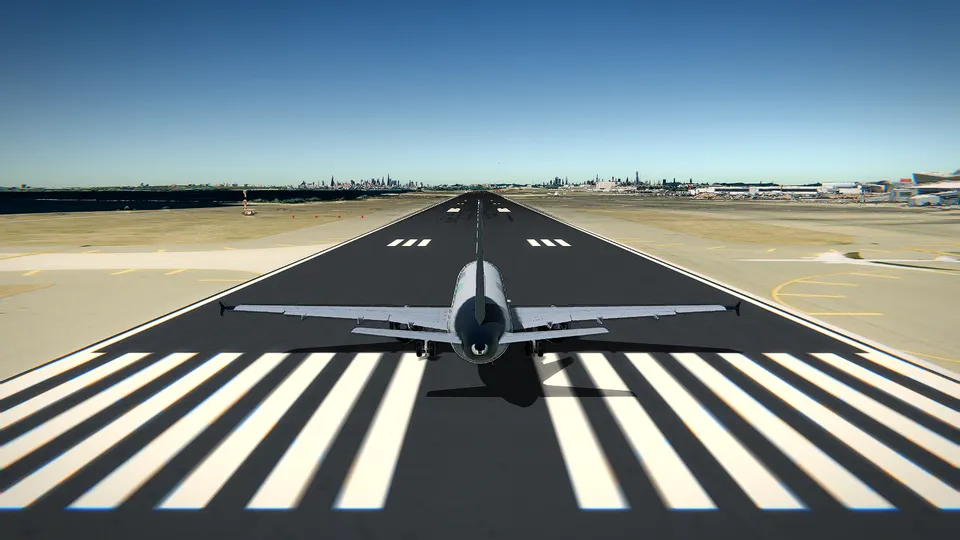
Takeoff step by step in a flight simulator: lining up, full power, rotating at 55 knots, the climb and the first turn, with the Cessna 172's real numbers.

A sightseeing route in the Cessna 172: off from Hong Kong International, east over Lantau, a lap of Victoria Harbour and back to land.
Your first flight in a browser flight simulator, step by step: choosing the aircraft and the airport, the takeoff, turning, levelling off and the keys you need, with the Cessna 172.
A practical guide to landing the Cessna 172 in a flight simulator: the approach speeds from its handbook, when to put the flaps out, reading the PAPI lights, the flare and the most common mistakes.
From the Manhattan skyline at JFK to Maho Beach, Innsbruck's Alpine valley and Gibraltar's Rock, the sixteen airports most worth flying in a flight simulator, and what makes each one special.

Every control of Open Flight World in one place: the keyboard keys for power, flaps, gear and brakes, flying with the mouse, and the Xbox and PlayStation gamepad layout, with tips for each.
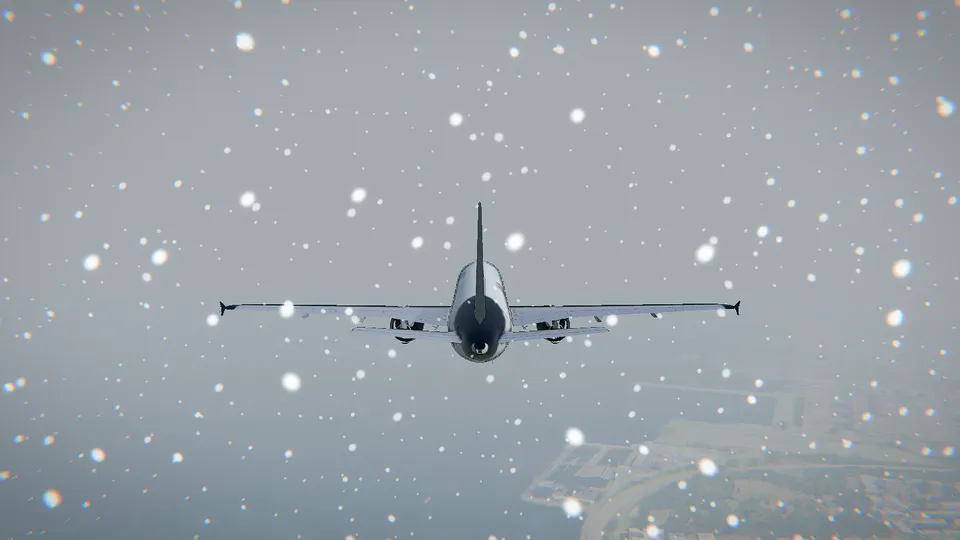
How a browser flight simulator shows the real aircraft and ships around you and the weather outside right now: where the data comes from, how it reaches the sim, and what to expect from it.
A fair comparison of the free flight simulators you can play today, in the browser and on the desktop: what each one does best, what it costs, what you need to install and who it suits.
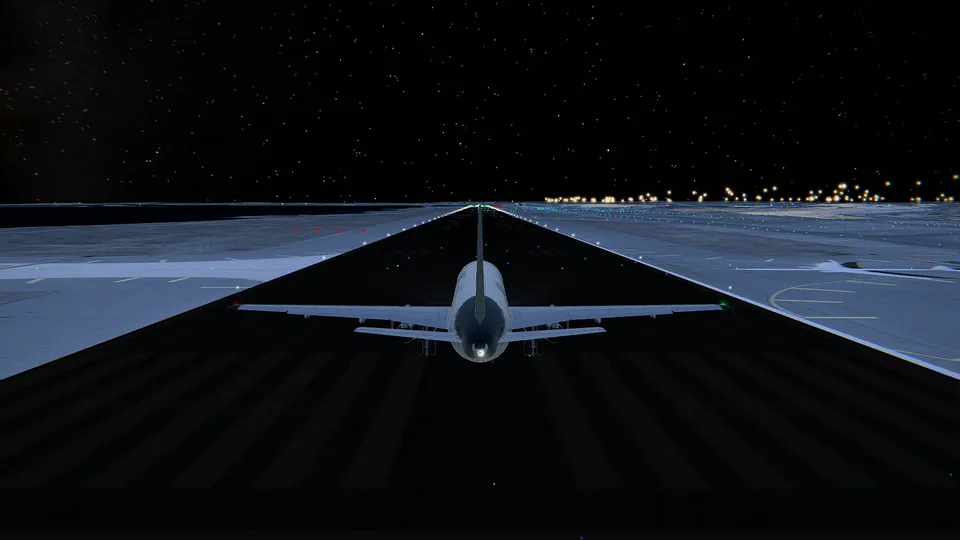
Why landing at Hong Kong's old Kai Tak airport was legendary, the checkerboard turn over Kowloon's rooftops, how Chek Lap Kok replaced it in 1998, and how to fly both places today in a flight simulator.
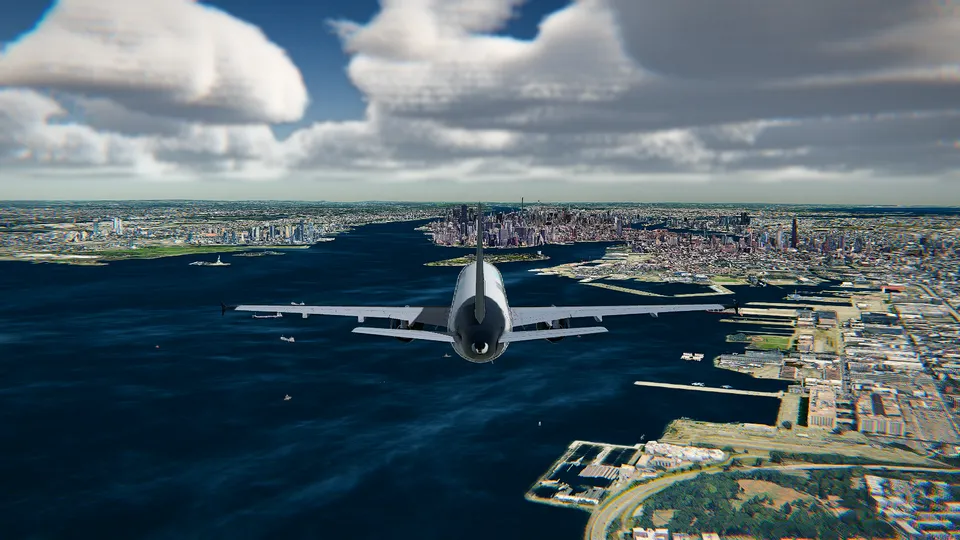
Open Flight World and GeoFS both fly in a browser tab. What Open Flight World brings: Google's photorealistic 3D cities, the real aircraft and ships around you, a coach, an autopilot that lands, no ads and unlocks you keep. GeoFS facts checked on its official site in November 2026.
Microsoft Flight Simulator 2024 is a paid game or a Game Pass subscription, with a 50 GB download on a PC. Open Flight World opens in a browser tab and is free to start, with the Cessna 172 at London City in photorealistic 3D, the real traffic and the live weather. Checked in November 2026.
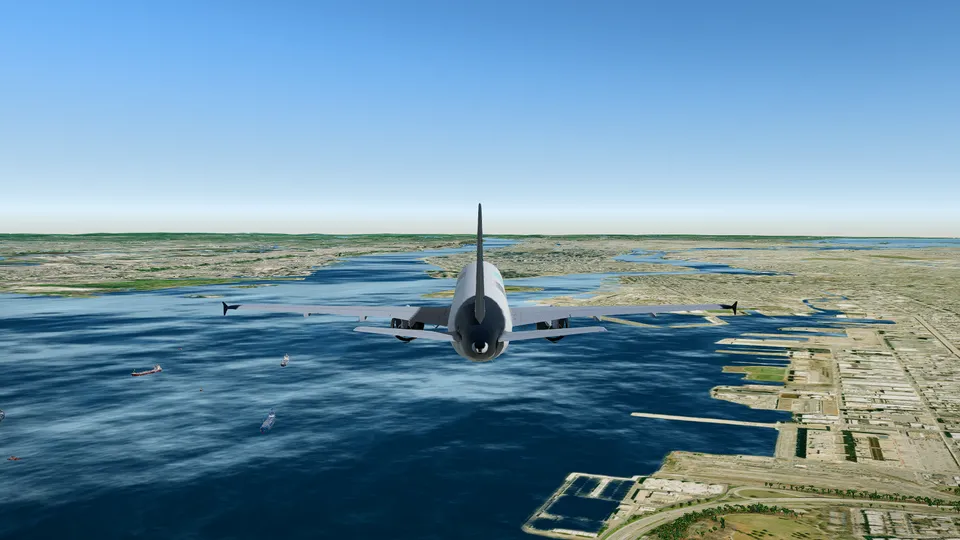
FlightGear is the open-source desktop flight simulator, and its JSBSim flight dynamics fly six of Open Flight World's aircraft in a browser tab. What Open Flight World adds: nothing to install, the real aircraft and ships around you, Google's 3D cities and a coach. Checked in November 2026.
The Cessna 172 at London City is free to fly, with no download and no account.
Fly free