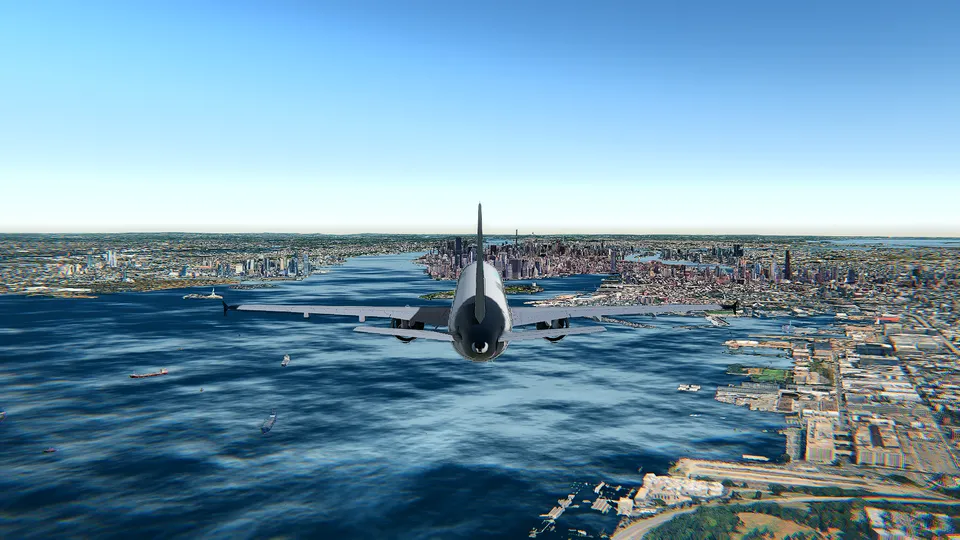
Airbus A380 flight simulator online: how to fly the biggest airliner
What changes when you fly the Airbus A380 in a browser: its size and inertia, the speeds that matter, and an easy first route from the ground to the landing.
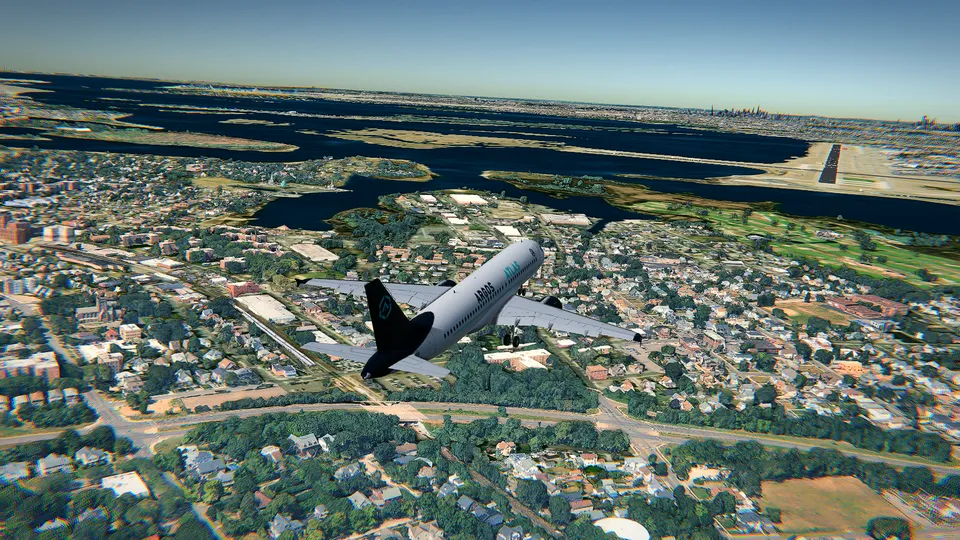
The Airbus A380 is the largest airliner ever to carry passengers: two full decks from nose to tail, four engines, a wingspan just under 80 metres, a length of around 73 metres and a maximum takeoff weight near 575 tonnes. It rolls on 22 wheels. And it is, to the surprise of most people who try it, a pleasant aircraft to fly, because everything it does, it does slowly and smoothly.
In Open Flight World it is one of the ten aircraft, built with its own 3D cockpit and instruments, and it flies in a browser tab with nothing to install. This article is the first flight I would give you: what changes when the aircraft is this big, the speeds worth remembering, and a route that is hard to get wrong.
What changes when the aircraft is this big
Four things feel different from the first second, and all four come from the same place: mass.
- It answers late. Ask the A380 to roll and it starts to roll a moment later, then keeps going. The cure is small inputs, early. In Open Flight World the controls set a rate of turn and the aircraft holds whatever attitude you leave it in, so you tap, wait, look, and tap again. You never hold a key and you never need to trim.
- The engines take their time. Four big turbofans do not jump from idle to climb power. Pull the power back late on an approach and you will be slow and sinking before they wake up again. Set the power you want and leave it there.
- You sit high up. The flight deck of an A380 is a long way above the wheels, higher than on any other airliner. On the ground the taxiway looks far away, and in the flare the runway rises towards you differently from what you are used to in a Cessna. Give yourself a few goes to recalibrate.
- Space matters. At a heavy weight the A380 wants something like 3,000 metres of runway to get airborne, and around 2,000 to land. London City, where the free Cessna flies, is 1,508 metres long: the A380 would not even consider it. Pick a big airport, and there are good ones in the best airports to fly in a simulator.
The numbers to remember
Standard figures for a big twin-aisle jet, the ones you will actually use:
| Speed | |
|---|---|
| Taxi | up to about 20 knots, 10 in the turns |
| Rotate on takeoff | around 150 knots |
| Below 10,000 feet | 250 knots |
| Climb | about 320 knots, then Mach 0.84 |
| Cruise | Mach 0.85, around 39,000 feet |
| Never exceed | Mach 0.89 |
| First notch of flaps | below roughly 260 knots |
| Last notch of flaps | below roughly 180 knots |
| Final approach, full flaps | about 140 knots |
If you remember two of them, make it 150 to leave the ground and 140 on final. Everything else can be read off the primary flight display, and how to read the PFD explains the speed tape, the altitude and the attitude in the order you need them.
Before you move
A minute on the ground saves the whole flight.
- Choose your graphics. Open Flight World has three settings: 3D terrain (the relief and the imagery, the lightest, fine on a phone, a tablet or any laptop), 3D terrain and buildings (Google's 3D cities, volumetric clouds and soft shadows) and 3D terrain and buildings HD (everything at its sharpest, for a gaming laptop or a desktop). The first time, it picks one by your graphics card, and if the frame rate stays low in flight it offers you the lighter one. A full A380 cockpit over a photorealistic city is the heaviest thing the simulator draws, so if it stutters, take the offer.
- Keep the coach on. Press F1 and leave it in Simple: it tells you the next thing to do at each moment, with the key or button of the device you are using, from the takeoff flaps to the flare.
- On the ground. E starts or stops the engines, ; is the parking brake, L the lights, G the gear and [ puts out a notch of flaps (F cycles through them). Take the first notch for takeoff.
- Taxi gently. A touch of power with +, steer with , and ., and brake with Space. Twenty knots is plenty, and with 80 metres of wingspan you want the middle of the taxiway.
Takeoff
Power to full with 9 or by holding Shift. The A380 accelerates calmly, so do not expect the shove of the F-16. Keep it straight with , and ., watch the speed tape, and at around 150 knots bring the nose up with ↓ to roughly 12 degrees. Hold it there and let it fly off.
Once you are climbing and the runway is behind you: gear up with G, then the flaps in one notch at a time with ] as the speed builds. Then settle into the climb at 250 knots until 10,000 feet.
The full step by step, for any aircraft, is in how to take off in a flight simulator.
An easy first route
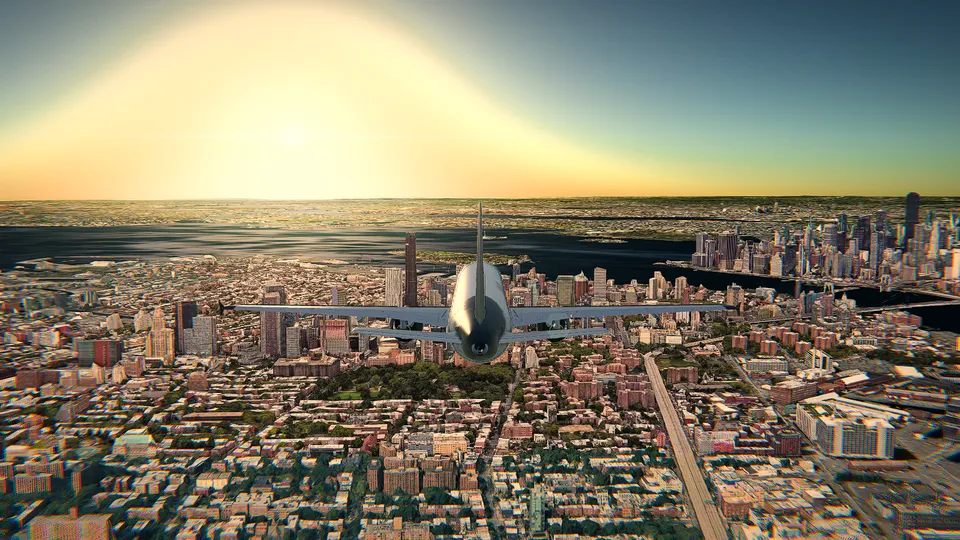
The easiest first A380 flight is a circuit over water from a big airport, and Hong Kong International is my favourite for it. It is a real A380 destination, its runways point out over the sea, there is nothing tall to hit on either end, and the city underneath is one of the best things to look at in photorealistic 3D. It is part of the paid world, along with the rest of the planet in 3D, and it is worth the unlock.
Fly it like this:
- Take off and climb straight ahead over the water to 4,000 feet, at 250 knots.
- Turn, one wing at a time, and go round the island with the city on your side. Press C for the chase camera if you want to see the aircraft, and T to show the real traffic around you.
- Come back towards the airport on a long, wide turn and give yourself at least 15 nautical miles of straight-in approach. A Cessna can be turned onto final at two miles. The A380 cannot.
- Land on the runway you left from.
If you want to see the city first, fly over Hong Kong in 3D is the scenic version, and Kai Tak vs Hong Kong International tells you why that approach is famous.
To practise only the landing, start again with R and pick the Landing position: you begin on final approach, lined up, a few miles out. Two minutes per attempt, as many as you like.
The approach
Slow down earlier than feels necessary. From 250 knots, bring the power back with Ctrl, add B for the speed brakes if you need help, and take the flaps out one notch at a time as the speed falls below each limit. Gear down with G when you are inside about eight miles.
On final, with full flaps, hold about 140 knots and fly a 3 degree path. At 140 knots that is around 700 feet per minute of descent, and the PAPI lights beside the runway tell you where you are: two white and two red is on the path, four red means add power now. Correct with small, early changes, and remember that the power answers slowly.
The flare and the stop
From that high flight deck the flare feels late. Start it at about 30 feet, take the power to idle with Ctrl, and raise the nose only a couple of degrees with ↓. You are not trying to stop the descent, only to soften it. Hold that attitude and let the main wheels find the runway.
Then: nose gently down with ↑, speed brakes with B, reverse thrust with − at idle, and the wheel brakes with Space while you keep the centreline with , and .. A heavy jet stops in a long, steady deceleration, not a short one.
If the approach is not working, go around: full power, stop the descent, gear up, flaps in one notch at a time, and come back. That is what the crew of a real A380 would do.
What usually goes wrong the first time
- Turning onto final too close. The aircraft cannot cut the corner. Plan the turn miles out.
- Too fast on the approach. Every extra knot becomes metres of floating. Slow down before you start down.
- Chasing the glide path. Big inputs make big swings in a big aircraft.
- Pulling the power to idle at 300 feet. The engines will not catch up. Keep a little power until the flare.
- Over-flaring. Two degrees of nose up, not ten.
Let the autopilot show you
The fastest way to learn an A380 approach is to watch a good one. Press A, pick a runway, and the autopilot will fly the localizer and the 3 degree path, flare, and stop on the centreline. Watch it from the chase camera with C, then take the controls back with A and do it yourself. How to use the autopilot covers the rest, and the controls cheat sheet has every key, mouse movement and gamepad button in one place.
Frequently asked questions
Can I really fly an Airbus A380 in a browser?
Yes. The A380 is one of the ten aircraft in Open Flight World, with its own 3D cockpit, and it flies in a browser tab with nothing to install, over the real planet in photorealistic 3D.
Is the A380 free in Open Flight World?
No. The free flight is the Cessna 172 at London City (EGLC), in photorealistic 3D, with no account, no ads and no time limit. The A380 is part of the paid side, together with the rest of the planet in 3D and the other airports: unlock it once and keep it, or open everything with All Access.
What speed does an A380 land at?
At a normal landing weight the final approach is flown at roughly 140 knots with full flaps, which is about twice the final approach speed of a Cessna 172. Rotation on takeoff is around 150 knots.
Is the A380 hard to fly for a beginner?
It is slower to react than a small aircraft, so you have to plan further ahead, but it is very stable and nothing it does is sudden. Keep the coach in the simple mode and it tells you the next step with the right key.
Can the autopilot land the A380 for me?
Yes. Every runway in Open Flight World has its localizer and a 3 degree glide path, and the autopilot can fly the approach, flare and stop on the centreline. Watching it once is a good way to see what a stable A380 approach looks like.