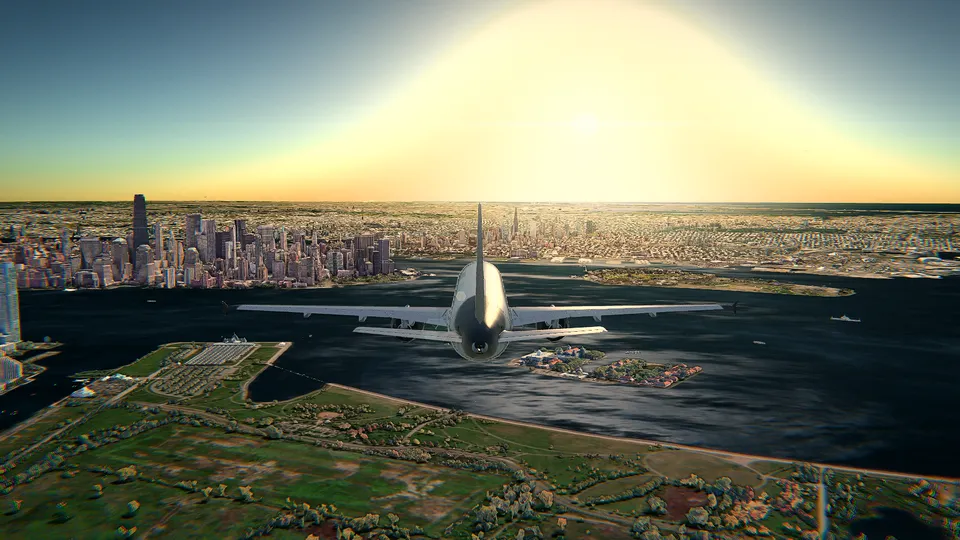
The whole planet in 3D
Relief and imagery cover the entire Earth, airports all over the world have their runways with markings, lights and PAPI, and in HD the big cities rise in Google's photorealistic 3D.
Free online flight simulator
Take off over the real planet in 3D, with the real air traffic around you and the weather that is outside right now. No download and nothing to install: open it and fly.
Free with the Cessna 172 at London City, no account needed. Chrome, Edge, Firefox or Safari.
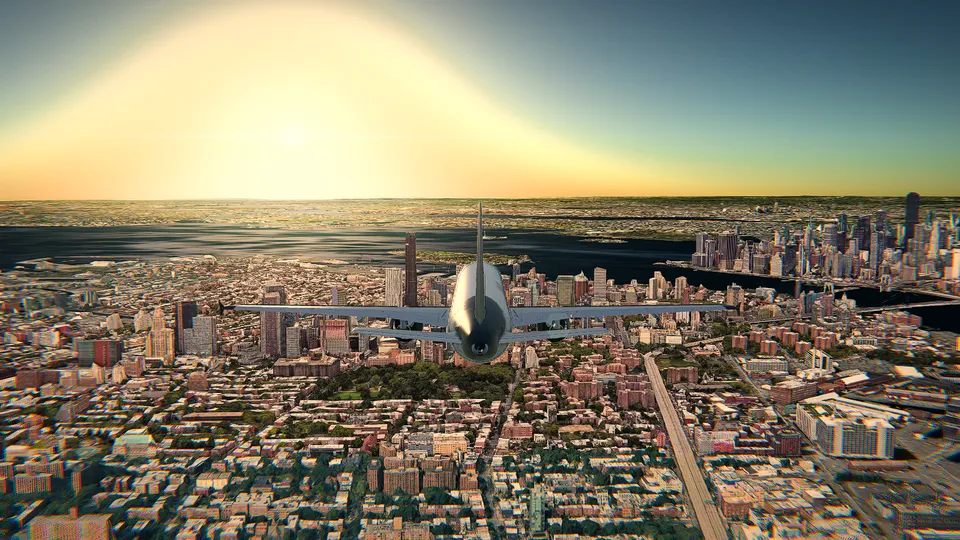
A whole planet to fly over, with the traffic, the weather and the light of the moment you choose.
Relief and imagery cover the entire Earth, airports all over the world have their runways with markings, lights and PAPI, and in HD the big cities rise in Google's photorealistic 3D.
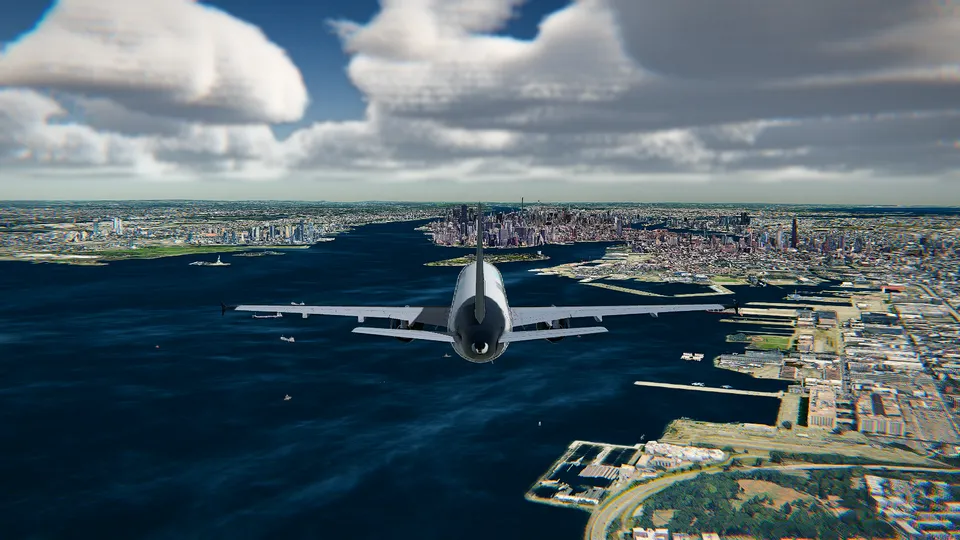
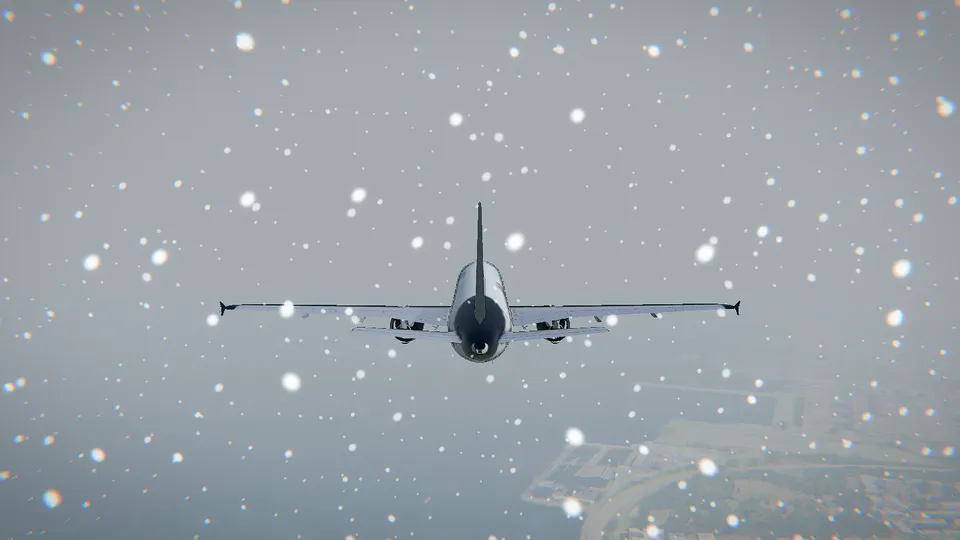
Fly in the weather at your airport right now, or choose a sky from clear to storm, fog or snow: gusting wind the aircraft feels, rain and snow you can see and, in HD, volumetric clouds.
The aircraft and ships you meet are real, where they are now, a few seconds behind. You can even start beside a real aircraft that is flying at this moment.
The sun where it is at each place right now, or dawn, midday, dusk and night on demand, with city lights, runway lights and your own landing lights.
In the simple mode a coach tells you the next thing to do, from flaps and rotation to the flare, with the keys or buttons of the device you are using.
Hand over the controls for the cruise, fly straight to a place picked on the map, or let the autopilot fly the approach and land on any runway.
Several aircraft fly with JSBSim, the open-source flight dynamics of FlightGear. The controls answer like a game: a first flight is easy and a good landing has to be earned.
Fly with what you have: the keyboard, the mouse as a stick, or an Xbox or PlayStation controller, with every function within reach.
Three graphics settings: 3D terrain, light enough for any laptop; 3D terrain and buildings, with 3D cities, volumetric clouds and soft shadows; and its HD version for a gaming PC. The first time, the simulator picks the right one for you.
Touch the ground with anything but the wheels, or a 3D building in HD, and the flight is over: a fireball, smoke and debris. Then start again in a second.
Watch the last minute again, and switch between the cockpit, the chase camera and the view from the front whenever you like.
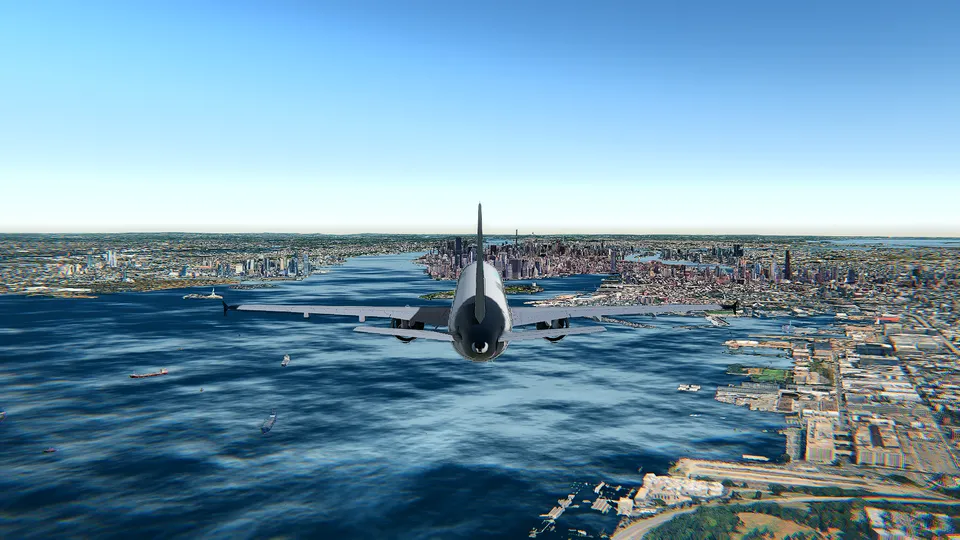
Every picture on this page is a capture from the simulator itself.
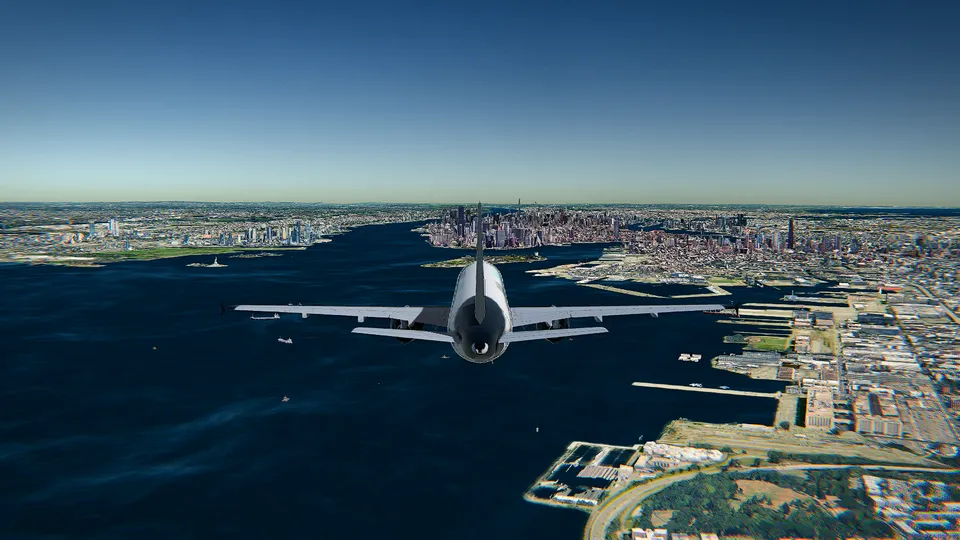
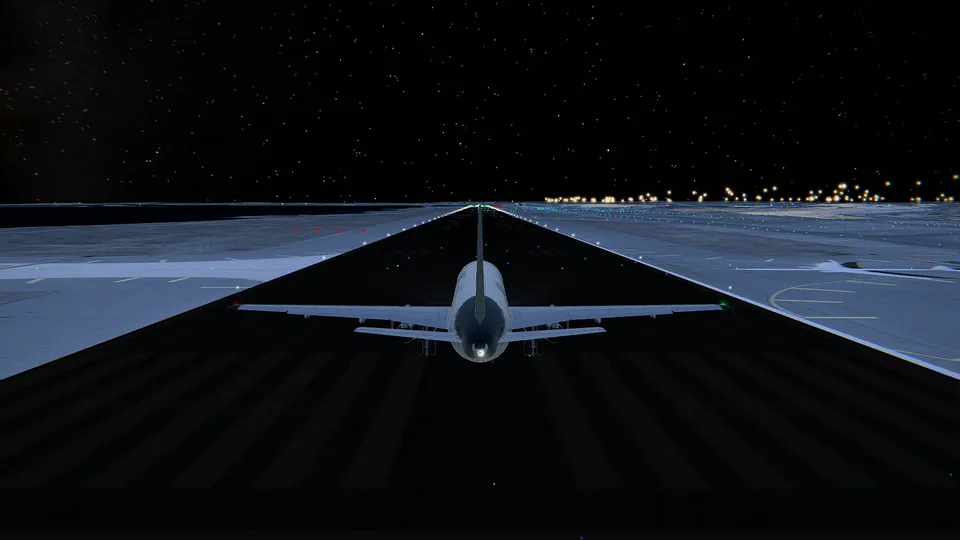
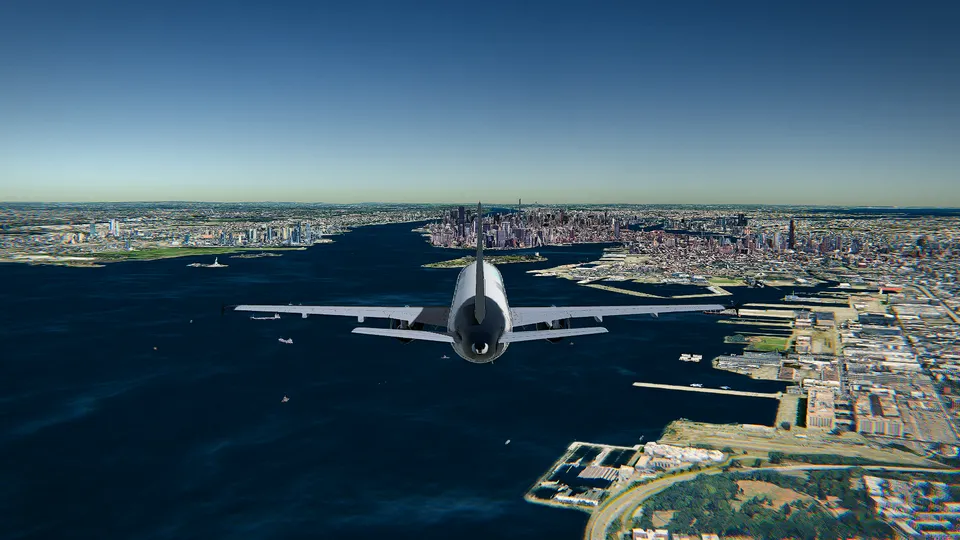
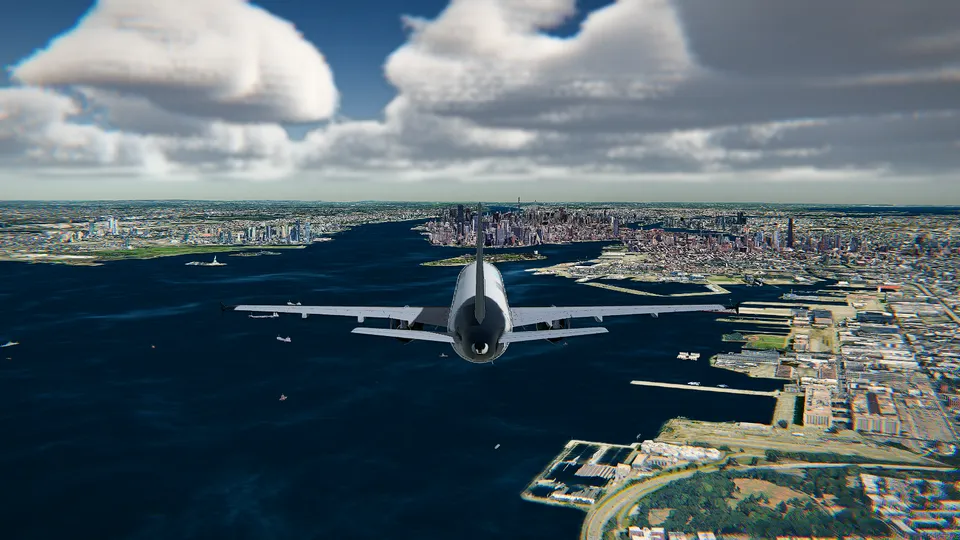
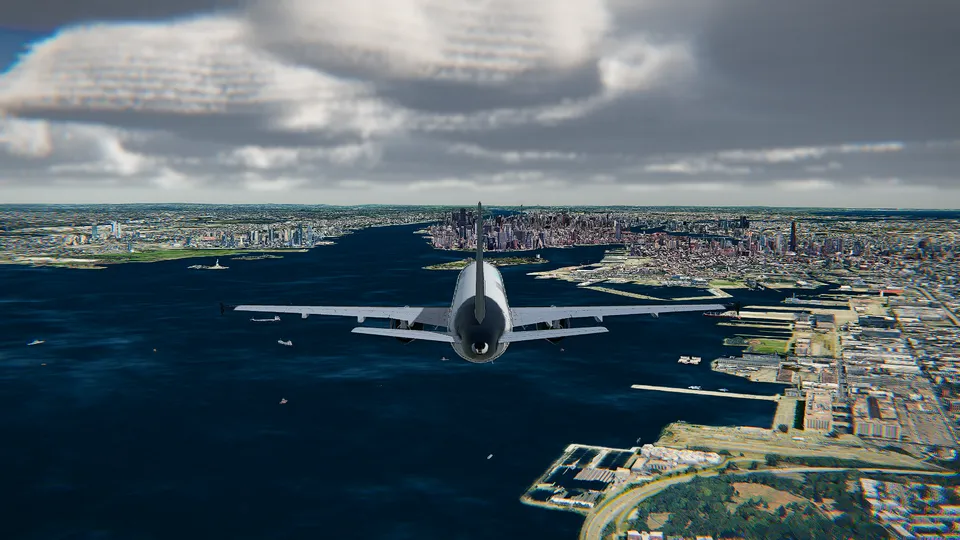
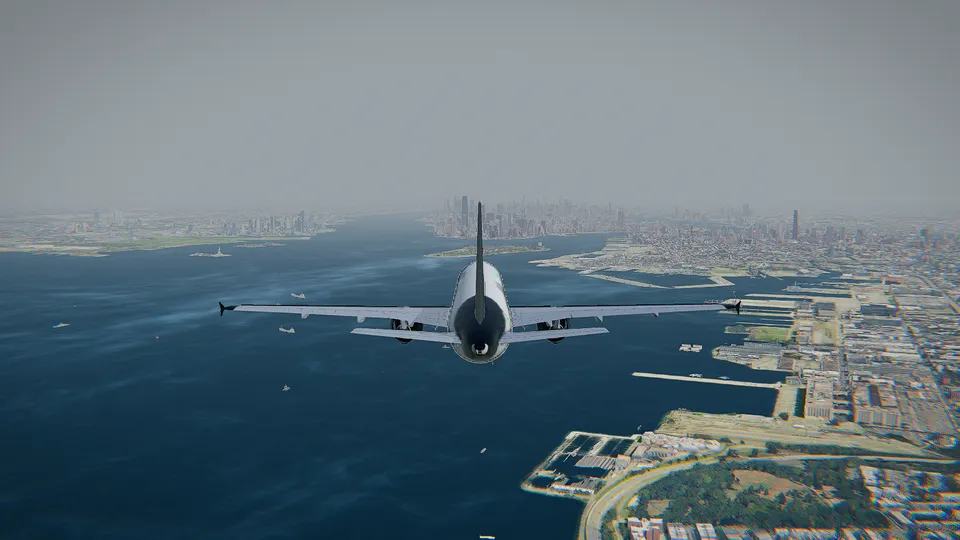
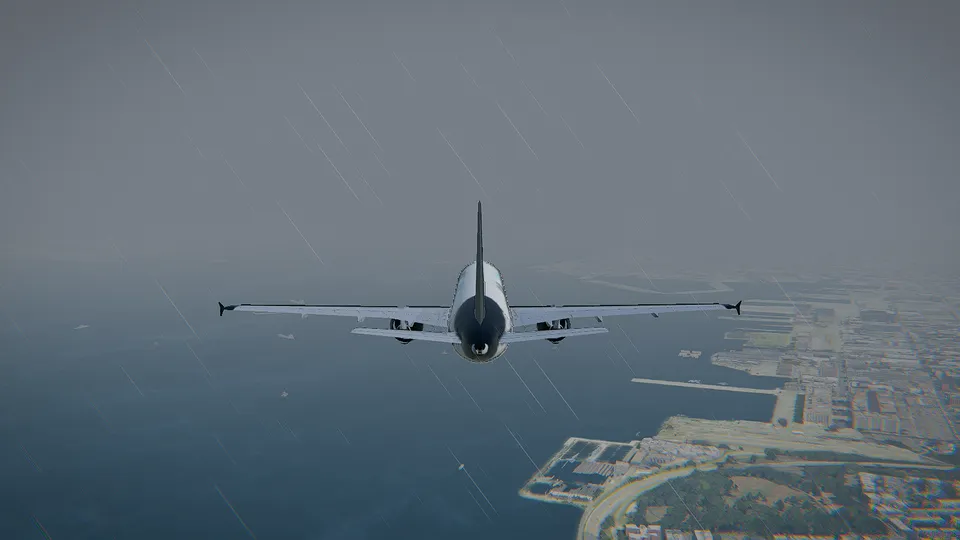
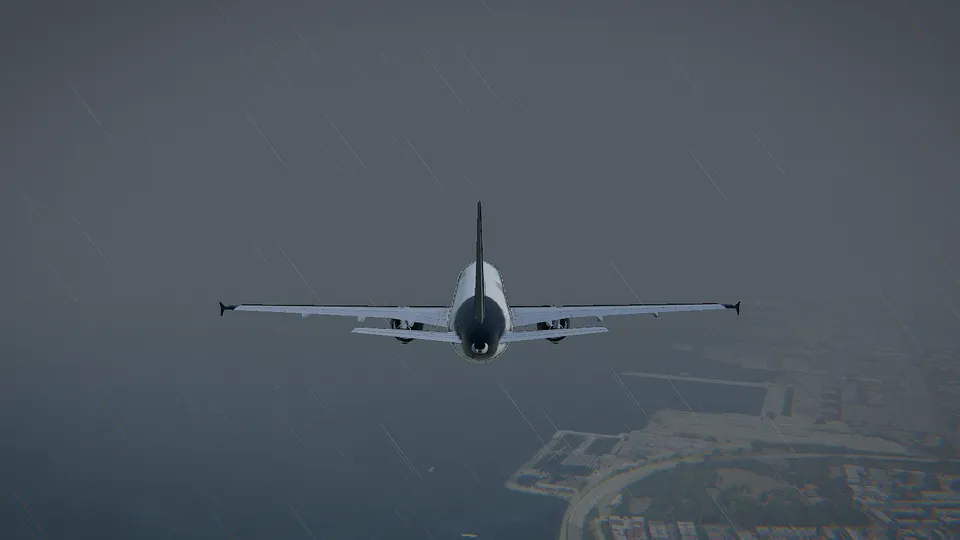
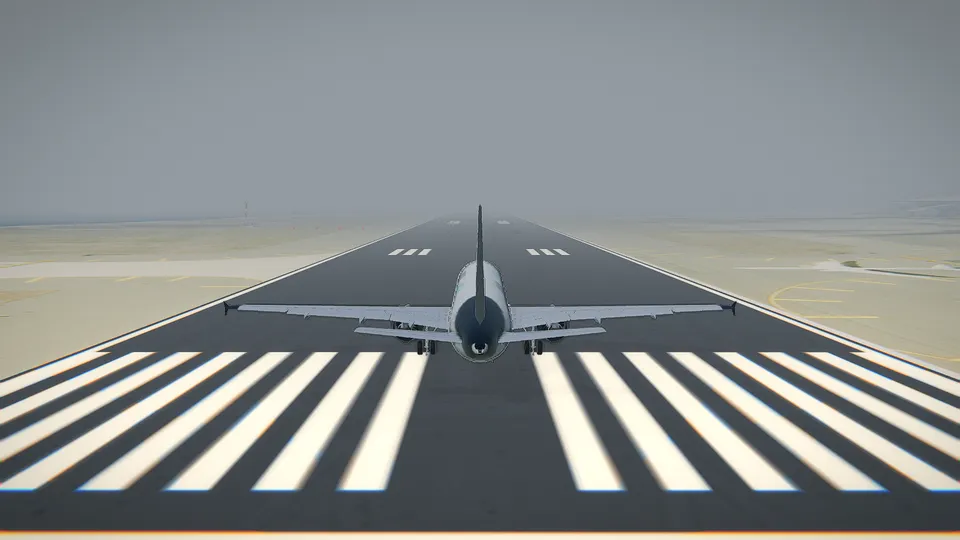
Each one built piece by piece with its own cockpit and instruments: light singles, a turboprop, regional and long-haul airliners, a business jet, a fighter and a glider.
General aviation
The most flown trainer in the world: slow, forgiving and honest.
Easy
General aviation
A modern piston single with a glass cockpit, quick on the controls.
Simple
Wide-body
The largest airliner ever built: four engines and a lot of momentum.
Demanding
The simulator carries 11,694 airports from all over the world, 10,849 of them with their real runways. A few to start with:
Canary Wharf's towers off the end of the runway. Free.
Manhattan on the horizon
The Pacific off the end of the runway
The bay and the Golden Gate
Over the Thames to the City
Paris, 25 km away
Turn it round in the hangar and look at its figures before you pick it.
An airport and its runway, lined up, on final or already in the air. Or a real aircraft flying right now, to fly beside it.
Dawn, midday or night, with the live weather or the one you prefer. The coach takes it from there.
The free tier is not a demo with a timer: it is the whole simulator with one aircraft and one airport.
$0+ VAT
The Cessna 172 at London City, with everything else in the simulator. No account and no time limit.
$4.49each+ VAT
Any aircraft or airport, one-off and yours to keep. Or three for $10.99.
$7.50/month, billed yearly+ VAT
Every aircraft and every airport, for as long as you are subscribed. Monthly and lifetime options too.
Yes. The Cessna 172 at London City is free to fly for as long as you like, with no account and nothing to install. Other aircraft and airports can be unlocked one by one, or all at once with All Access: see pricing.
No. It is an online flight simulator that runs in your browser with WebGL, in Chrome, Edge, Firefox or Safari on a recent computer. There is no launcher, no install and no update to wait for.
Any recent computer can fly with the 3D terrain graphics. With a graphics card you can use 3D terrain and buildings, with Google's 3D cities, volumetric clouds and soft shadows, and on a gaming laptop or a desktop its sharpest version, HD. The first time, the simulator picks the right one for your machine, and if it runs slowly in flight it offers you a lighter one.
Yes. The aircraft and ships around you are real ones, in their real positions, a few seconds behind. You can even start your flight beside a real aircraft that is flying right now.
Yes: Xbox and PlayStation controllers and most others your browser recognises, as well as the keyboard and the mouse. With a gamepad every function is within reach, with its own menu for what has no button.
It runs on phones and tablets with the 3D terrain graphics, but it is made for a computer, where you fly with a keyboard, a mouse or a gamepad.
It is a game first: the controls answer like an arcade game so anyone can take off, while several aircraft use JSBSim, the flight dynamics of FlightGear, and the coach calls out the speeds of the real Cessna's handbook. It is a good way to learn the order of things, but it is not a certified training device. My blog has guides to start with.
Not to fly free. You only need one to buy aircraft or airports, so your purchases follow you to any browser. Signing in takes an e-mail and a six-digit code: there is no password.
Guides to fly better, and the stories behind the airports.
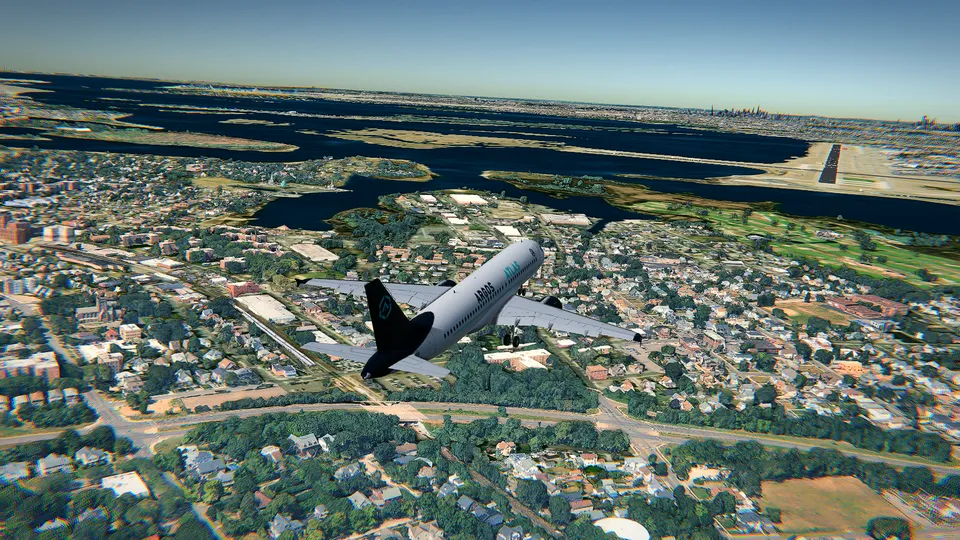
What changes when you fly the Airbus A380 in a browser: its size and inertia, the speeds that matter, and an easy first route from the ground to the landing.
How to practise crosswind landings in a flight simulator: the crab, the wing-low sideslip and the de-crab in the flare, with the real wind of the day.
A beginner's guide to the PFD: attitude, speed tape, altitude, vertical speed, heading and the mode strip, in the order a pilot actually looks at them.